Kyle Ledbetter
Product
3
min read

Multi-Supabase Support and Upgraded Connectors Experience
Two things that a lot of users have been asking for, shipped together because they belong together.
Connect Multiple Supabase Projects (from multiple orgs)

Dreambase now supports multiple Supabase projects in a single workspace, including projects from different Supabase organizations. Previously we supported multiple schemas within one project. Now you can register as many Supabase projects as you need and blend data across all of them in a single dashboard or analysis.
This unlocks a ton of use cases.
For solutions teams and contractors: The most common request we heard from consultants and agencies was that they needed to set up Dreambase for multiple clients, but doing that previously meant a separate workspace per customer. That was not workable. Now it is a couple of clicks. Add each client’s Supabase project as a database connector, keep everything in one workspace, and build dashboards for each client without juggling multiple accounts.
For teams with multiple databases: Product data in one Supabase project, analytics in another, user research in a third. Different products on different databases. Now you register them all as database connectors and they blend seamlessly into your dashboards and AI agent analysis alongside your existing API
and MCP integrations. Stripe, HubSpot, GitHub, Vercel, Linear, Resend, Slack and your full suite of connected sources all in the same workspace, now with as many Supabase projects as your architecture requires.
A Unified Connectors Experience
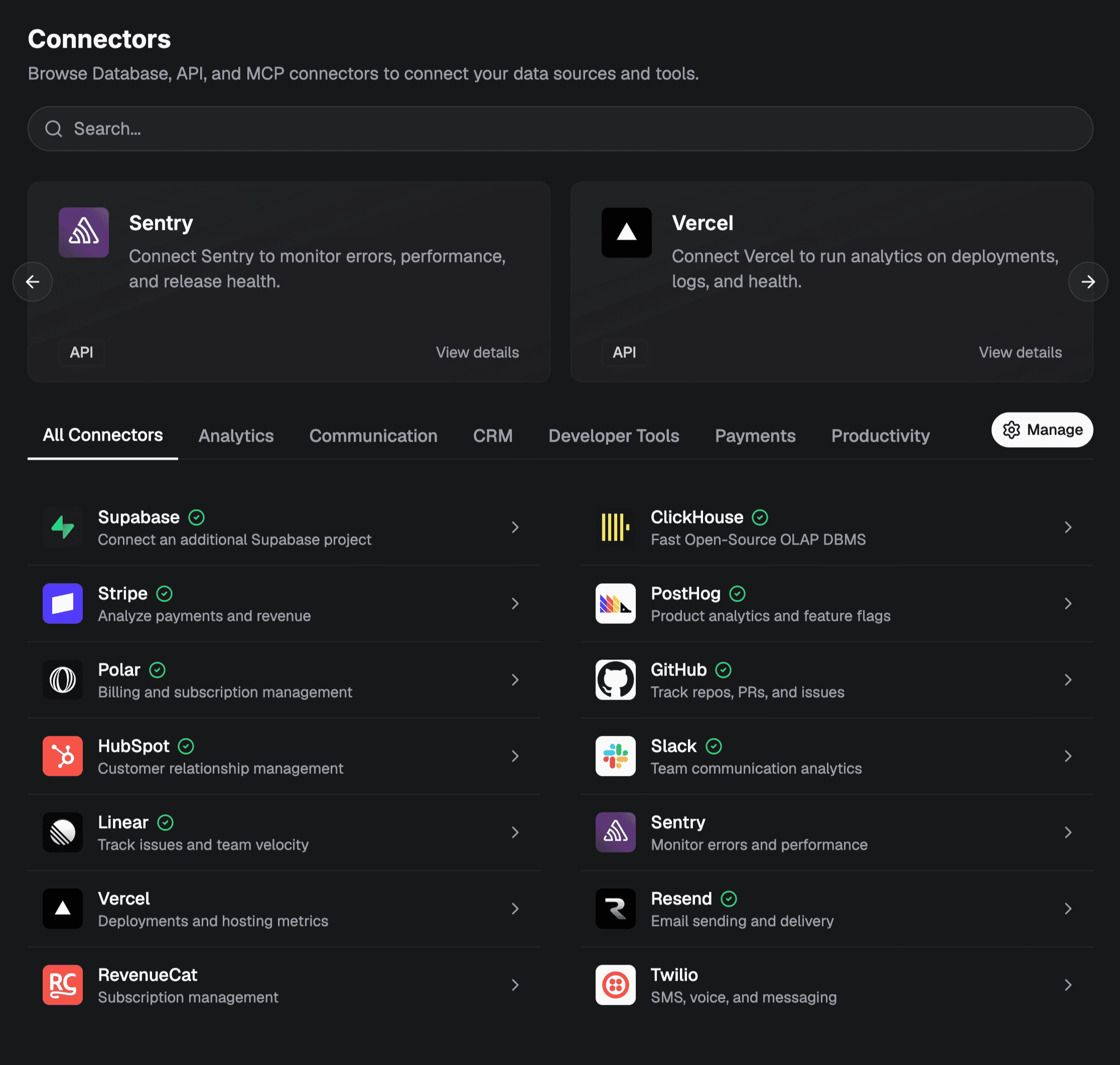
To support this properly, we upgraded the Connectors page. Database connectors, API connectors, and MCP connectors are now managed in one place with a consistent interface. Adding a new Supabase project, a new API integration, or a new MCP server all happen from the same home. The previous experience had these spread across different parts of the product. That is fixed.
Settings and Team Management in the Main Nav
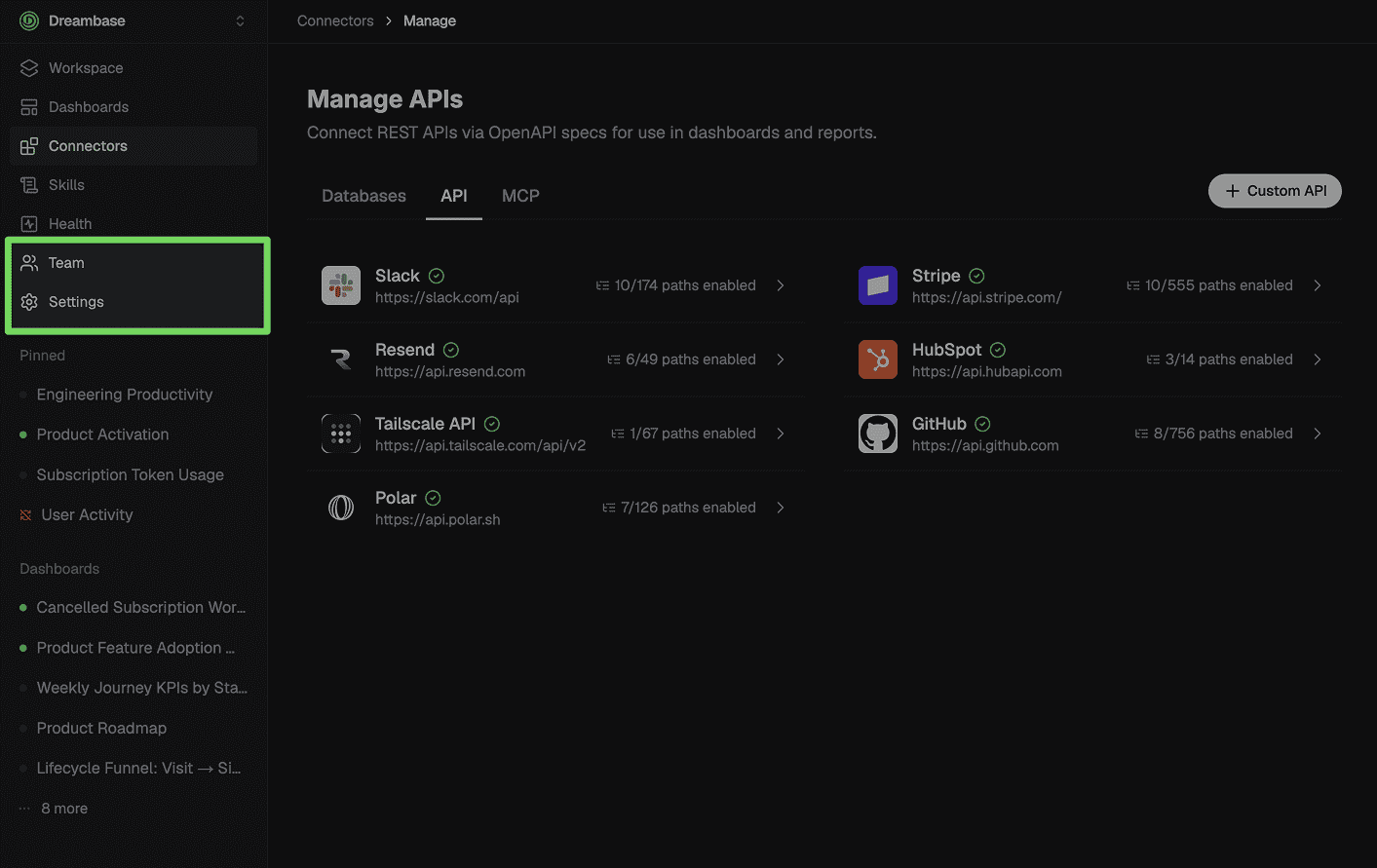
Workspace settings and team management are now accessible directly from the main navigation instead of being buried in secondary menus. This was a recurring piece of feedback and an easy one to fix once the Connectors work opened up the room to clean up the nav more broadly. Inviting teammates, managing your workspace, and adjusting settings are now where you would expect them to be.
Add your additional Supabase projects to Dreambase →
Related guide: Improving your Supabase database health with MCP
What do you want to know from your data?
Get the answer now.